
NeuraCore Technologies
PEPPER FOR ANDROID · SECURE. PRIVATE. UNLIMITED.
Pepper for Android
A private AI workspace for your Android phone or tablet. Chat, turn meetings into notes, prepare email drafts and research your documents with models that run on your device.
Available now on Google Play. Check device compatibility and current subscription terms before downloading.
YOUR WORKING DAY
Useful help, right on your device.
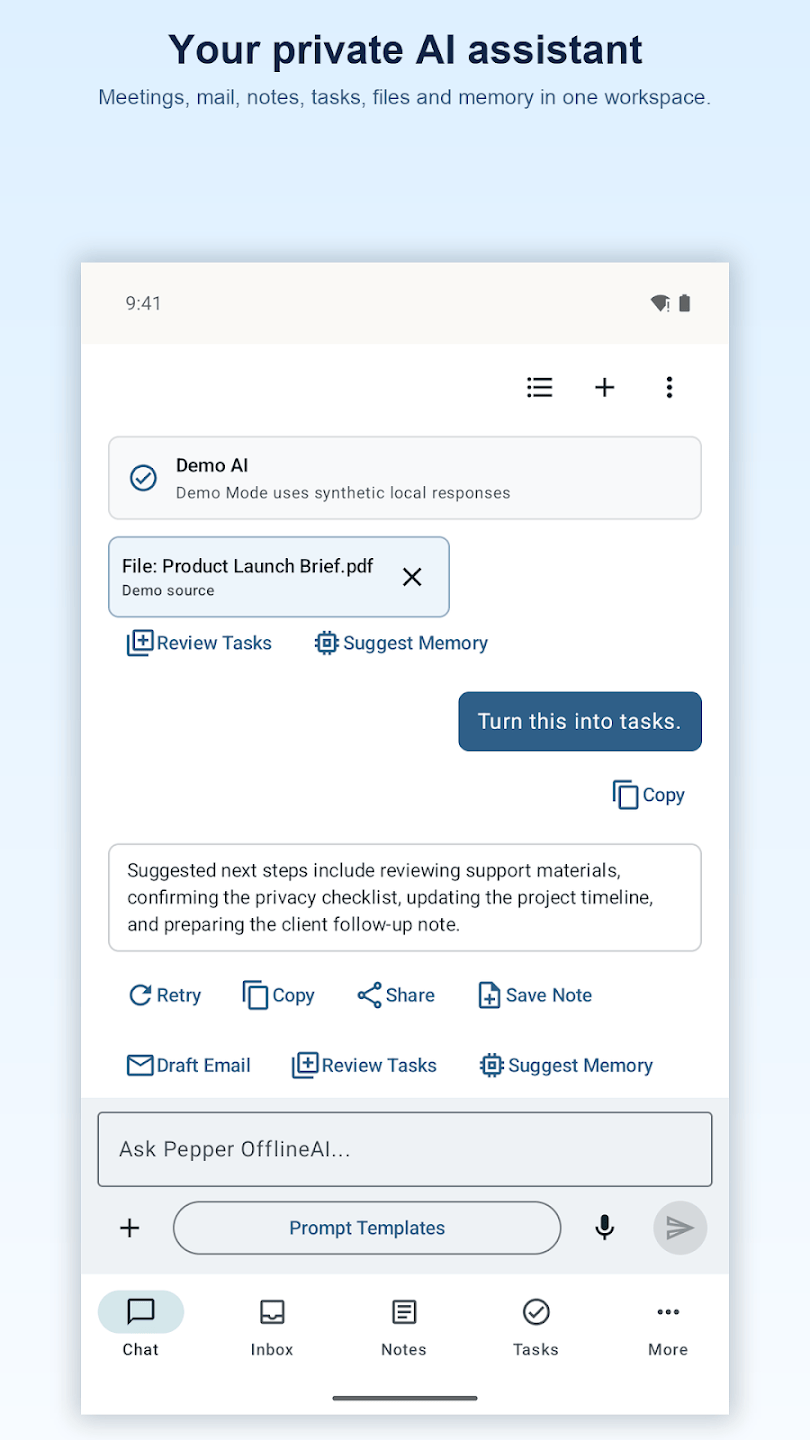
Chat and plan
Ask questions, develop ideas and keep useful information together. Choose a supported local model that fits your device.
Draft and review email
Summarize messages and prepare replies with supported email connections. Review and edit each draft before sending.
Research your documents
Use selected documents as context, ask focused questions and create summaries. Check important answers against your sources.
MEETINGS & LECTURES
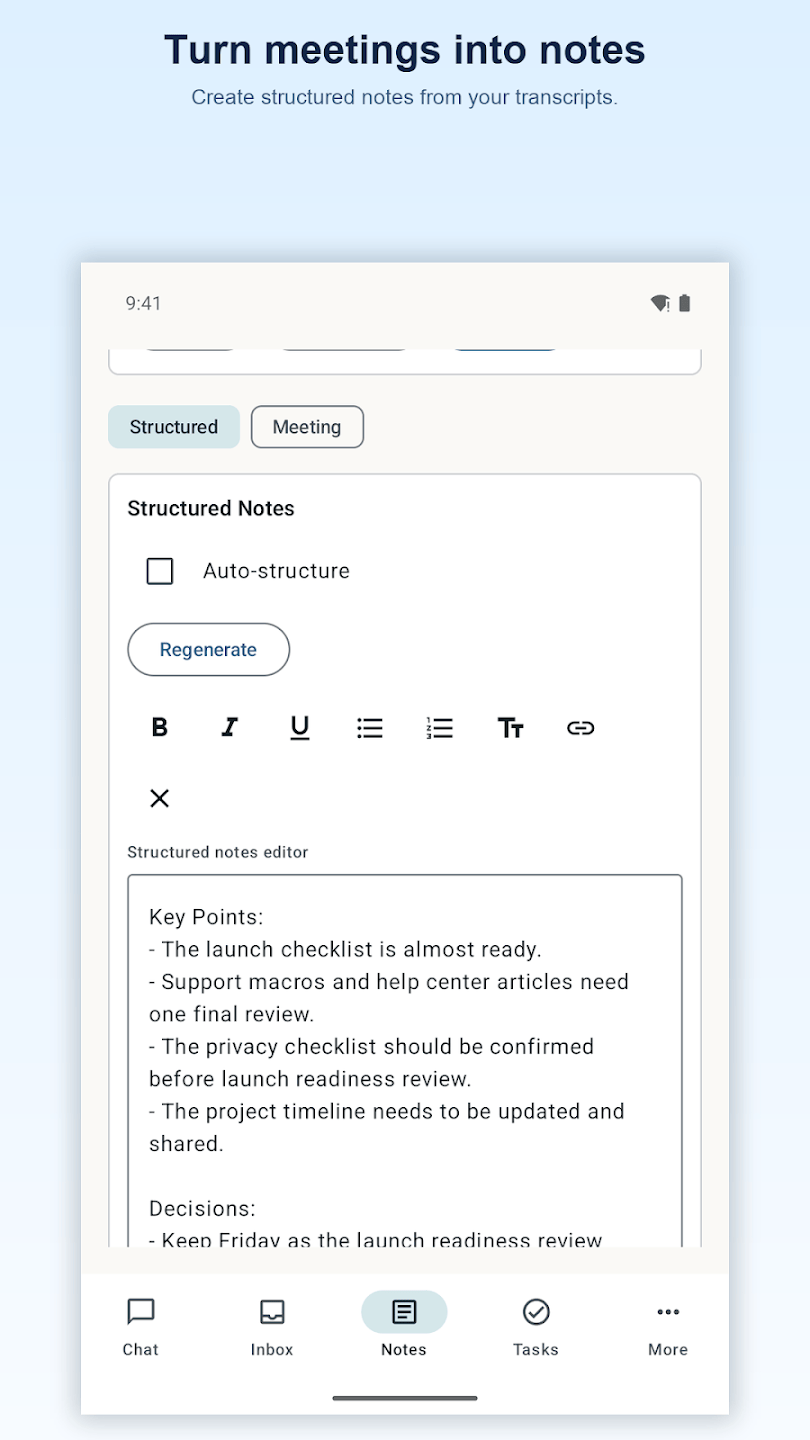
Turn conversations into useful notes.
Record and transcribe meetings or lectures, summarize discussions and review suggested action items. Keep your notes organized and edit the results before using them.
Record only where you have permission. Transcripts and AI-generated summaries can contain errors; review the original material before relying on a result.
GET STARTED
Choose a model that fits your device.
The current Google Play listing requires Android 8.0 or later. Check Google Play for your device’s compatibility. Local models are downloaded separately and need available memory and storage; performance depends on your device and chosen model.
Supported AI processing runs on your device. Model downloads, connected email providers, online content, purchases and subscription verification require an internet connection.
Review your subscription options.
Pepper OfflineAI Pro requires an auto-renewing subscription. Monthly and yearly plans are available. Eligible new subscribers can try the yearly plan free for 3 days; it renews at the displayed yearly price unless canceled. Check Google Play for current pricing, eligibility and billing terms. Manage or cancel your subscription in Google Play.
Setup and subscription FAQ → · Privacy Policy · Terms of Service
Also available: Pepper for Apple → · Pepper for Windows → · Explore all Pepper platforms →

