
NeuraCore Technologies
PEPPER FOR APPLE · SECURE. PRIVATE. UNLIMITED.
Your Confidential Private Assistant
Use Pepper on your Mac for focused office work, and on iPhone or iPad for meeting and lecture capture. Each workflow uses supported on-device AI.


Download through your platform Store. Subscription terms and current prices are shown before purchase.
ON-DEVICE PERFORMANCE
Optimized for local AI.
Pepper uses supported hardware acceleration on compatible Apple devices for on-device model loading and response generation. Choose a model that fits your device.
ON MAC
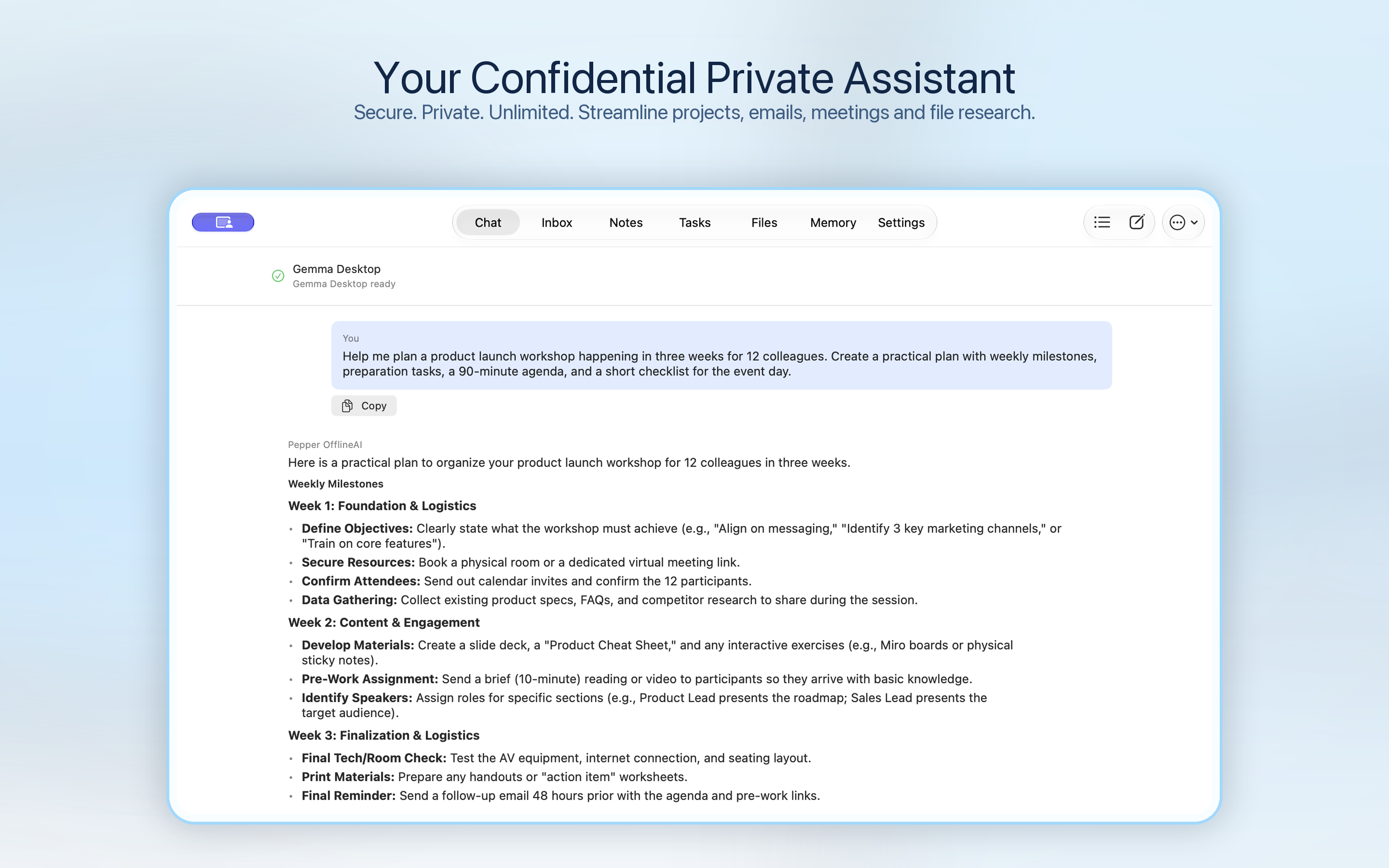
Offline AI for Mac office work.
Draft and review email
Summarize messages and prepare editable replies. Send from your own mail provider.
Meeting transcription and follow-ups
Work with meeting transcripts, summaries and suggested follow-ups.
Research your documents
Summarize supported files and ask about sources you have added.
ON IPHONE & IPAD
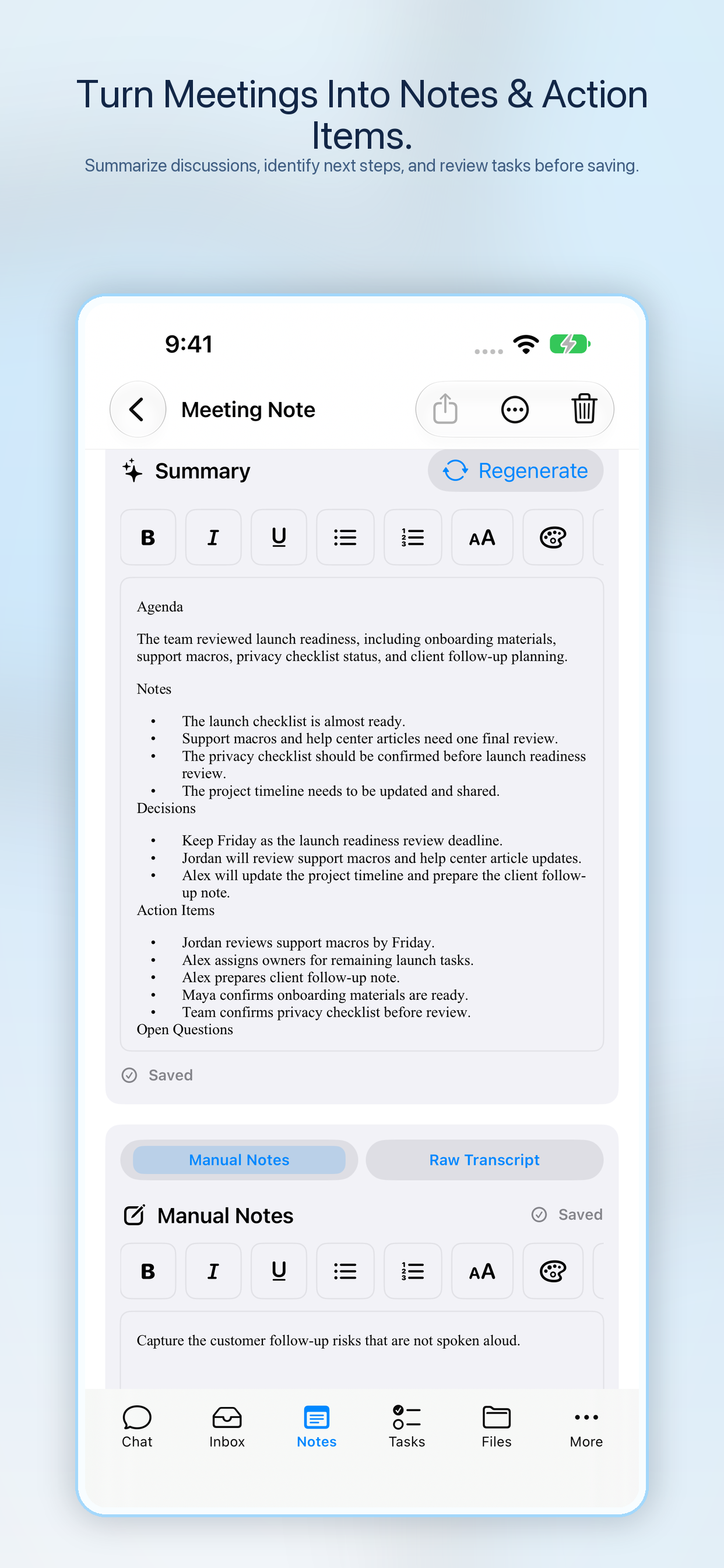
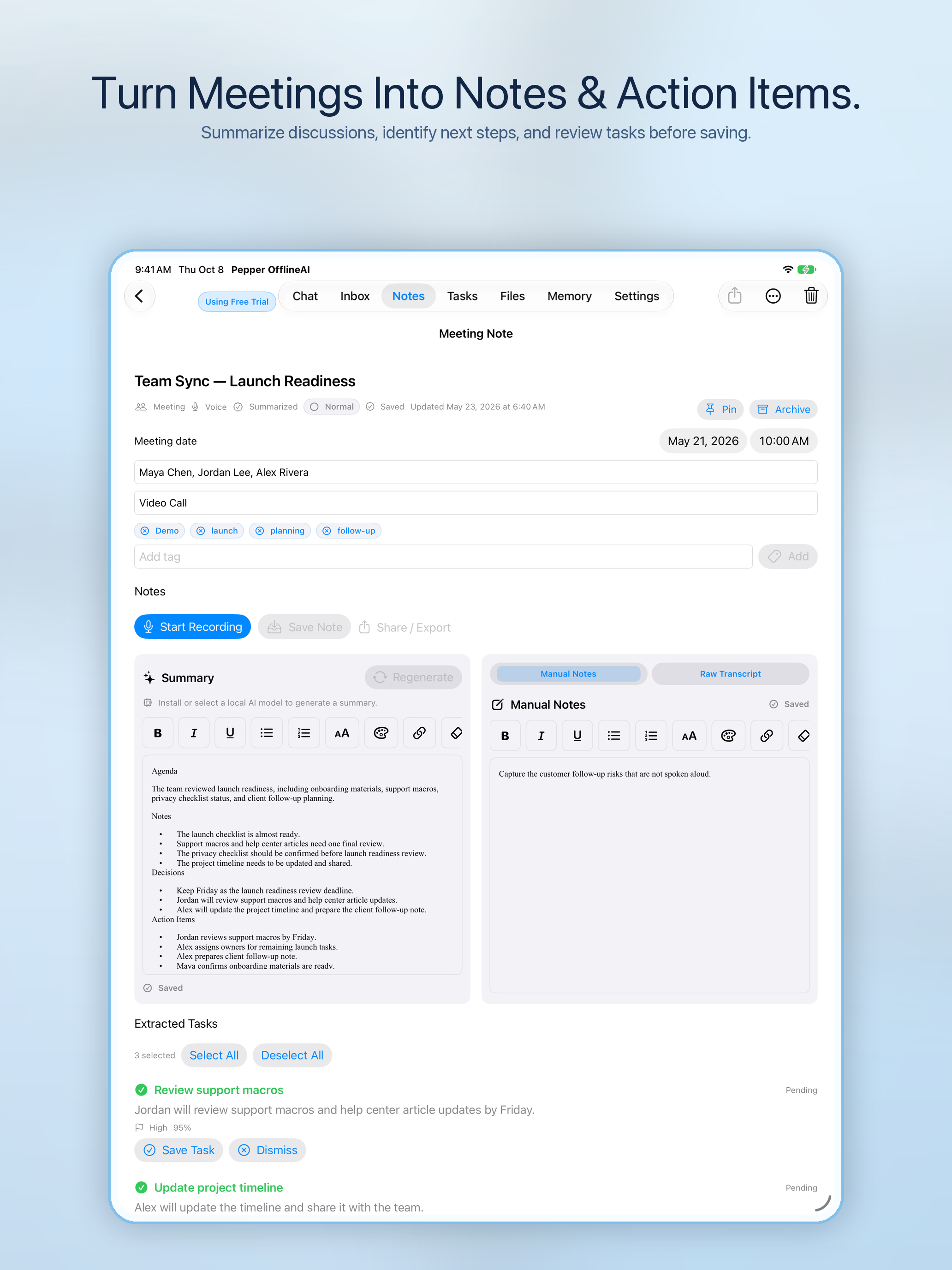
Capture. Transcribe. Summarize.
Keep the useful parts of a meeting or lecture: its transcript, a summary and notes for your next step.
On iPad, the published 2.1.0 release also offers PDF and Word export for supported outputs. Export options depend on your device and installed version.
BEFORE YOU DOWNLOAD
Choose a model that fits.
The current listing requires macOS 14 or later on Apple M1 or later, iOS 18 or later, or iPadOS 18 or later. Individual models need additional memory and storage. Check compatibility in the Store and model choices in Pepper.
Unlimited local AI use with an active subscription. Available models and performance depend on your device.
Setup and subscription questions →
Download through your platform Store. Subscription terms and current prices are shown before purchase.

