
NeuraCore Technologies
Libri Read Aloud for Windows
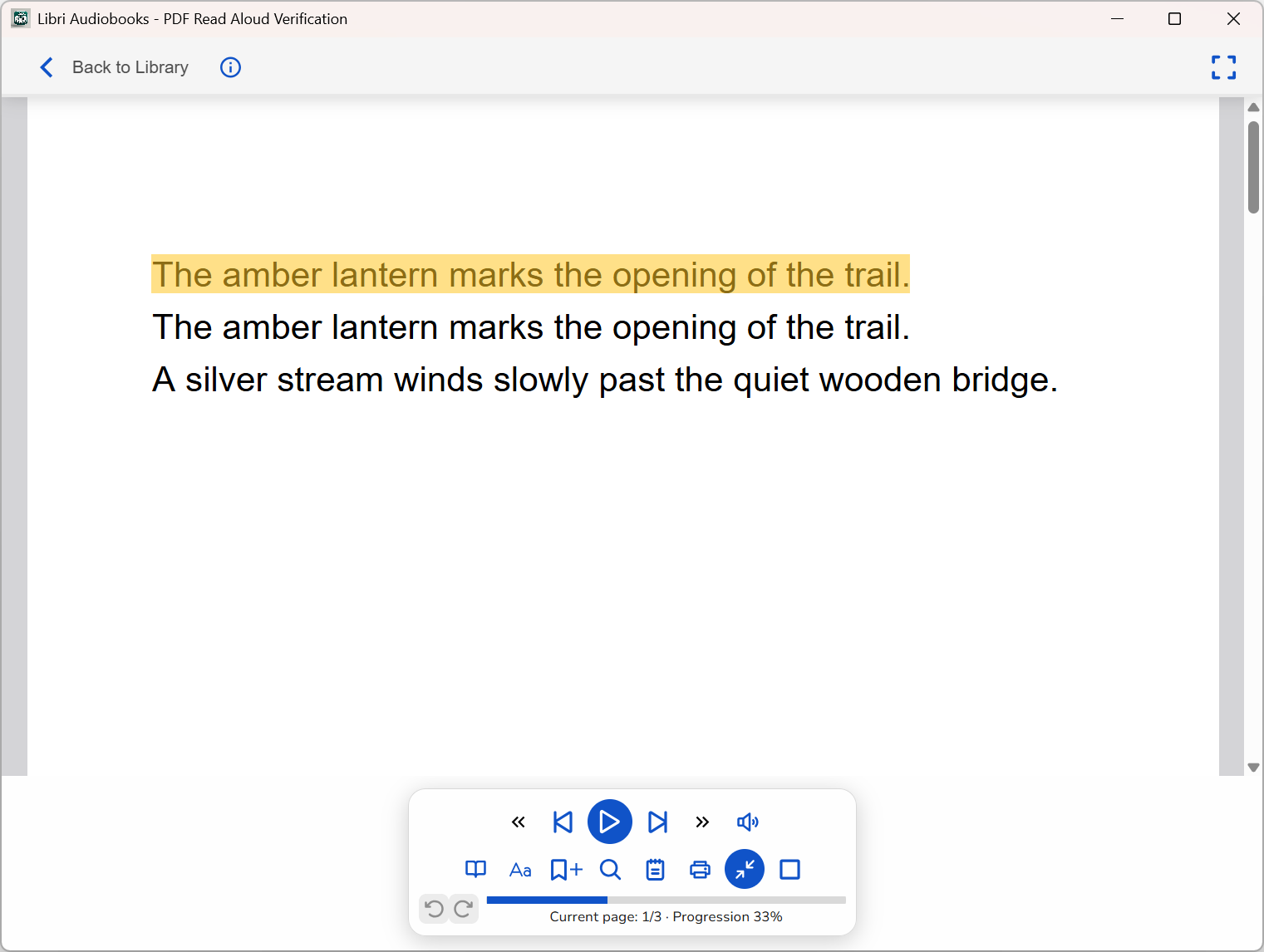
Open an EPUB or text-based PDF on your PC and switch between reading and listening. Follow the highlighted text as Libri reads aloud, or adjust the narration speed to suit you.
Check the Microsoft Store for current Windows compatibility and subscription options.
Listen offline
Download a voice, then listen to books stored on your PC without an internet connection. Online voices are also available when you’re connected.
Find your place
Use bookmarks, notes and search in the reader. Browse built-in book catalogs or connect a compatible OPDS catalog.

